Coursera UX Design Certificate Project
Electronic Health Record (EHR) App
Prompt / Design an app that enables doctors and nurses to document, store, and reference patient records at a local primary care office.
Role / Visual UI, UX
-
Click-heavy user flows
Cluttered user interface
Limited assistive technology integration
-
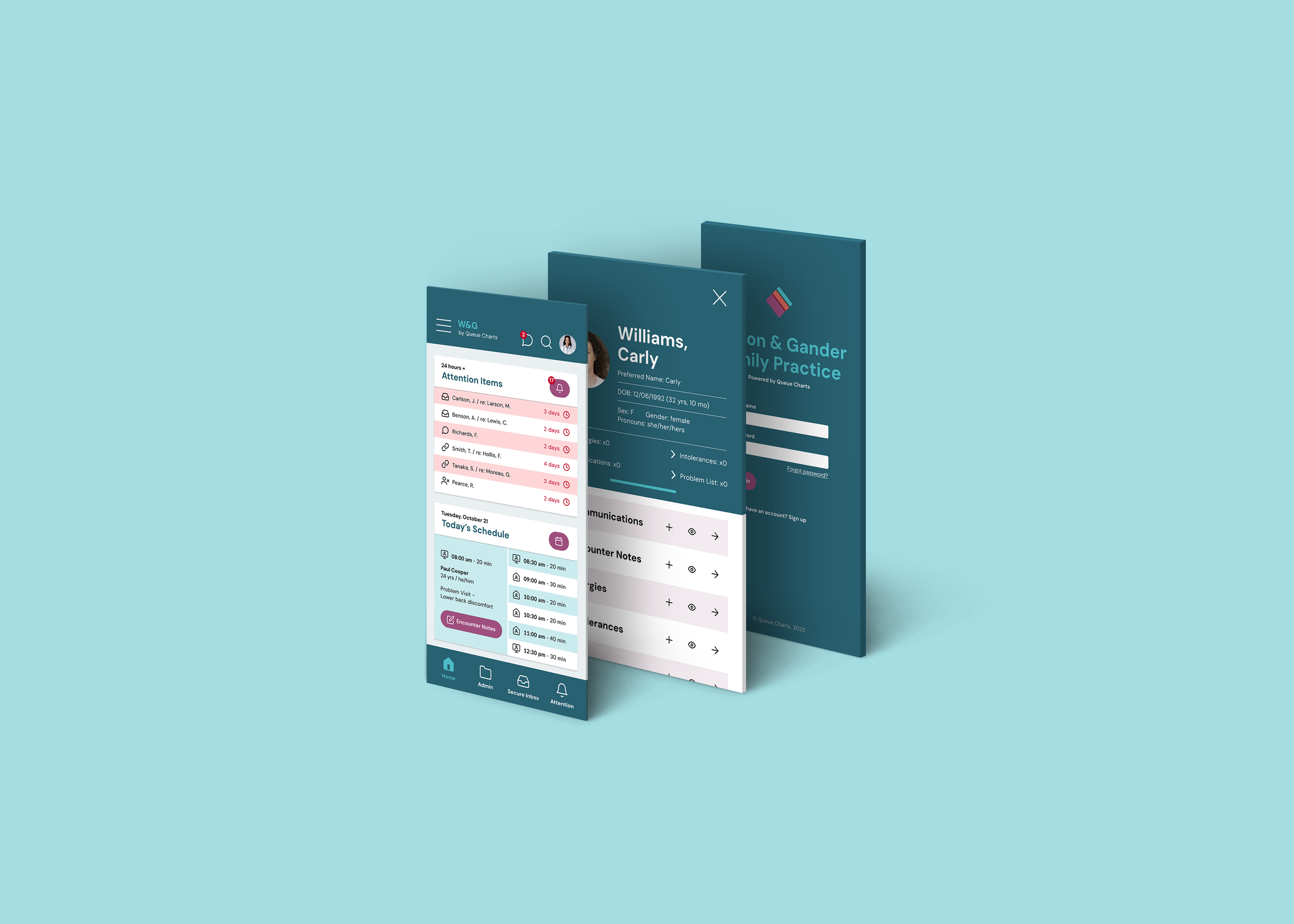
Quick links from homescreen for common actions
Simple design that prioritizes core functions
Multiple visual cues and integrate AI for use with ATs
UX Research
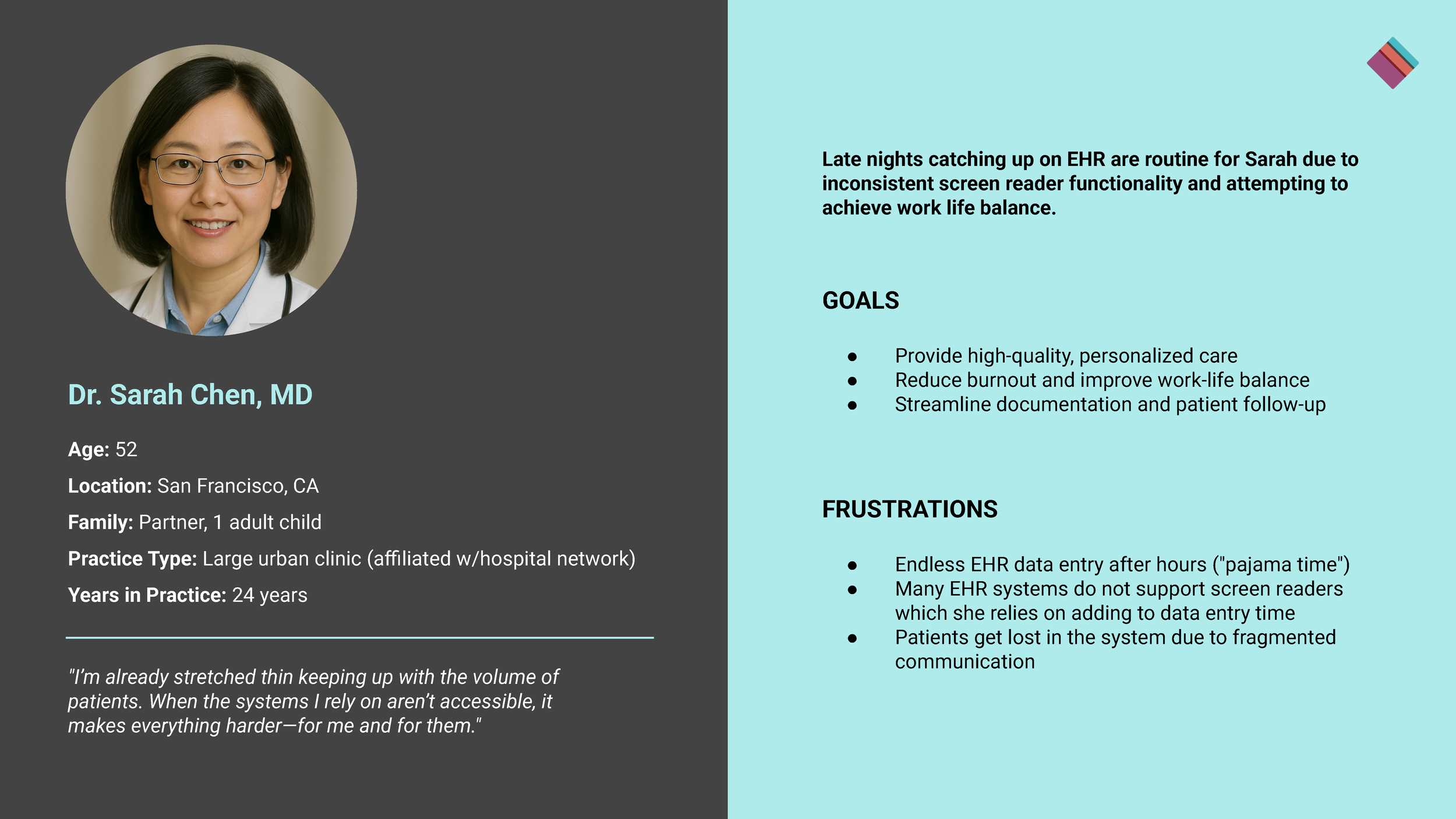
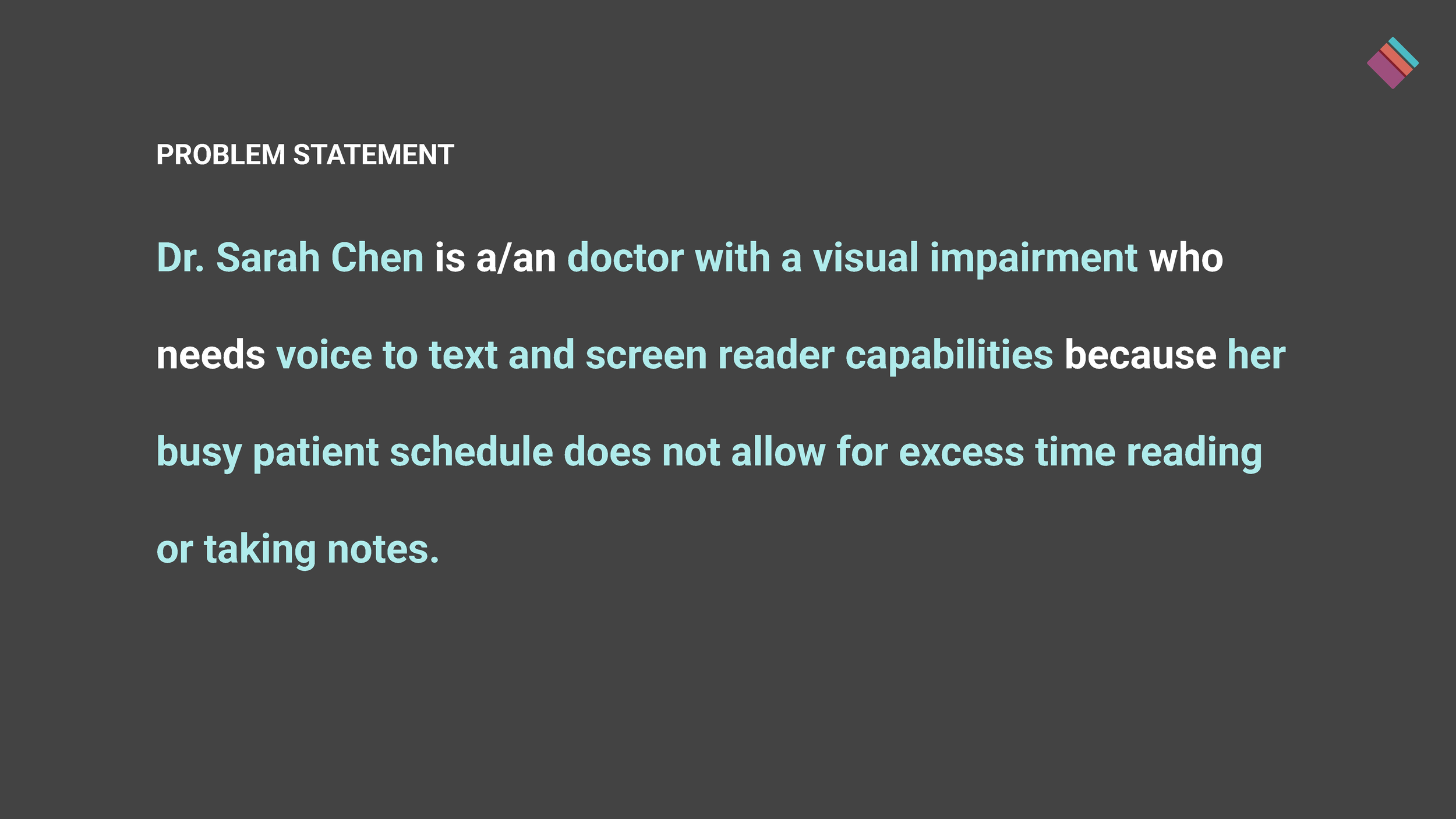
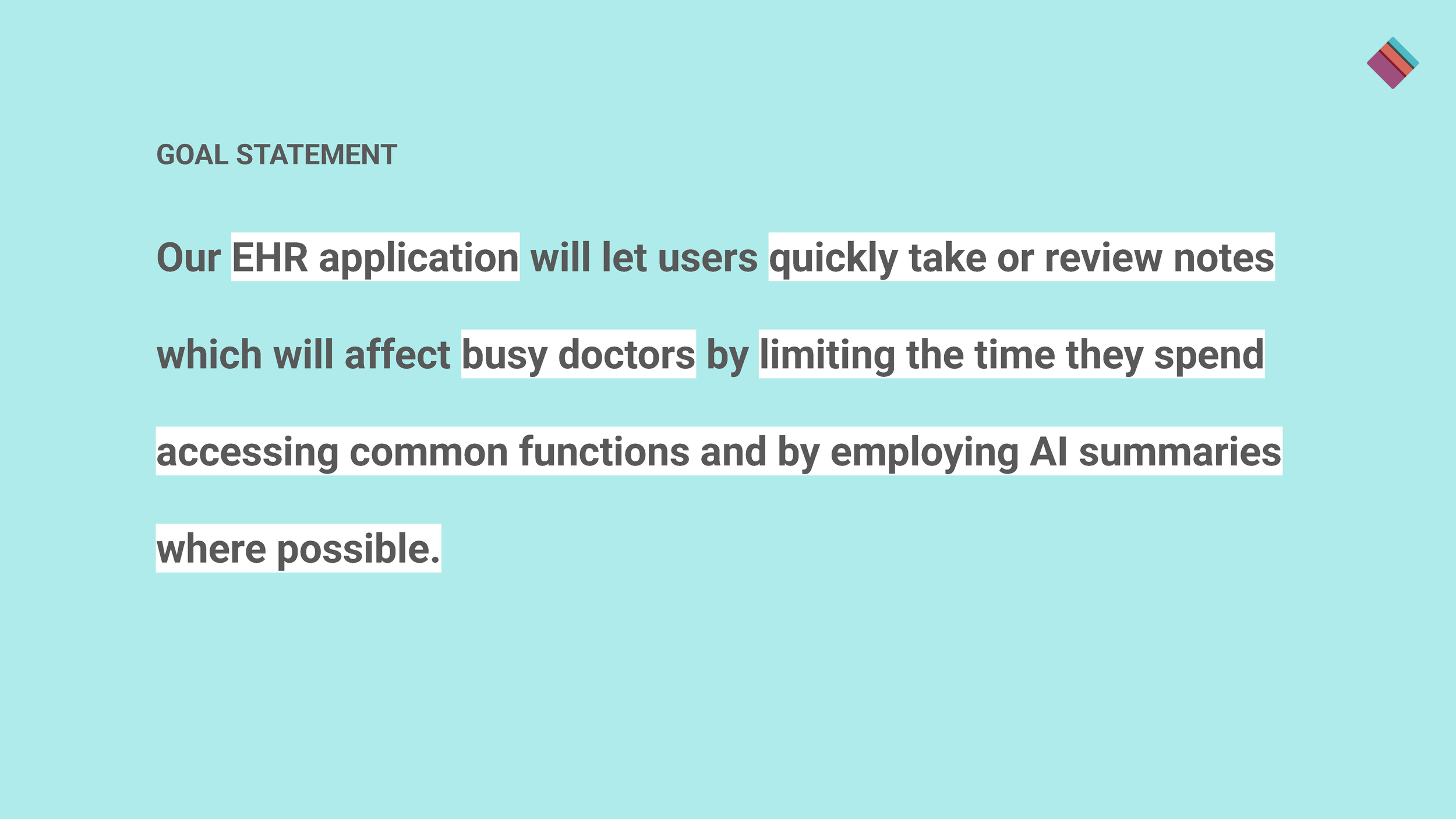
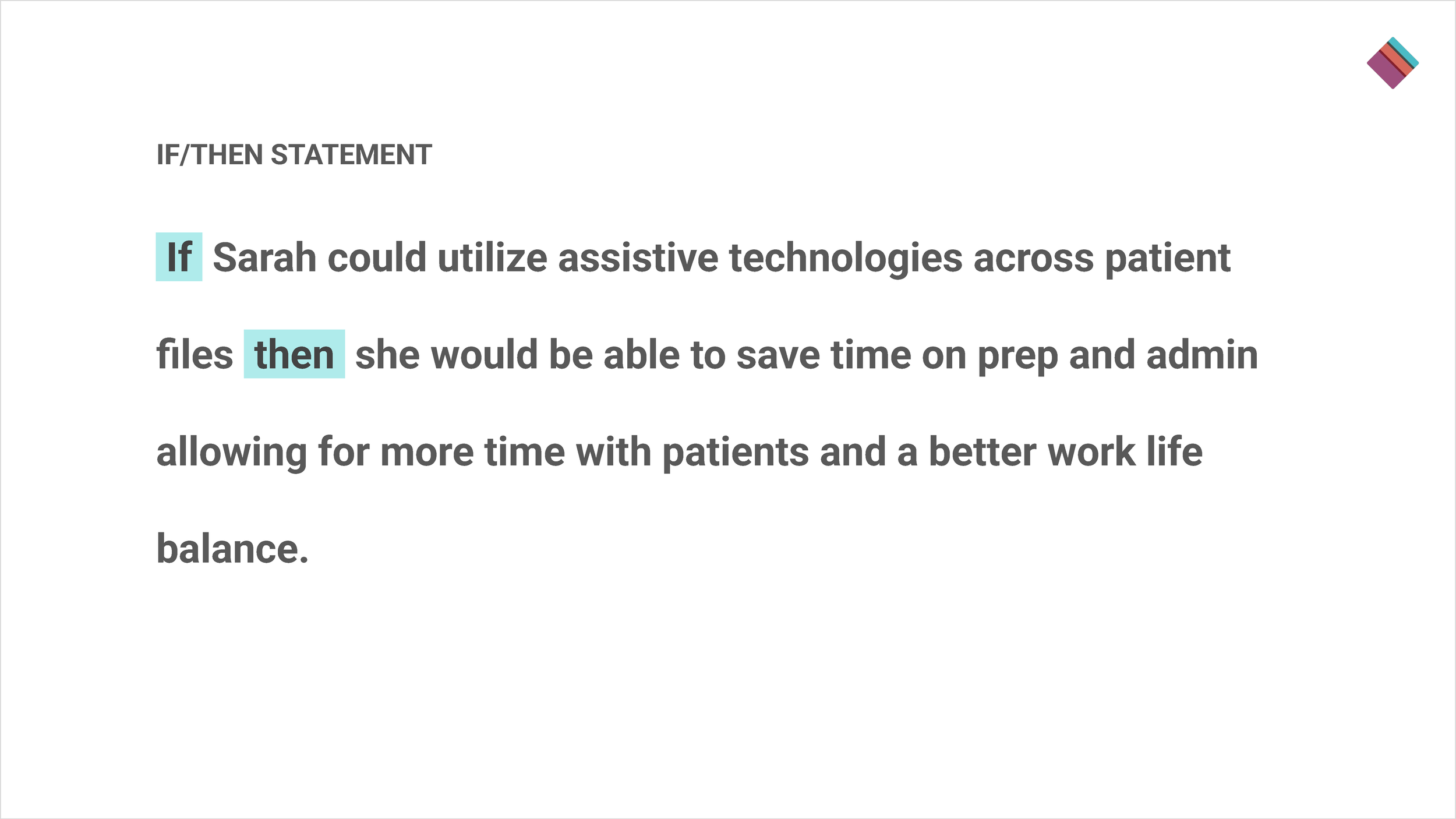
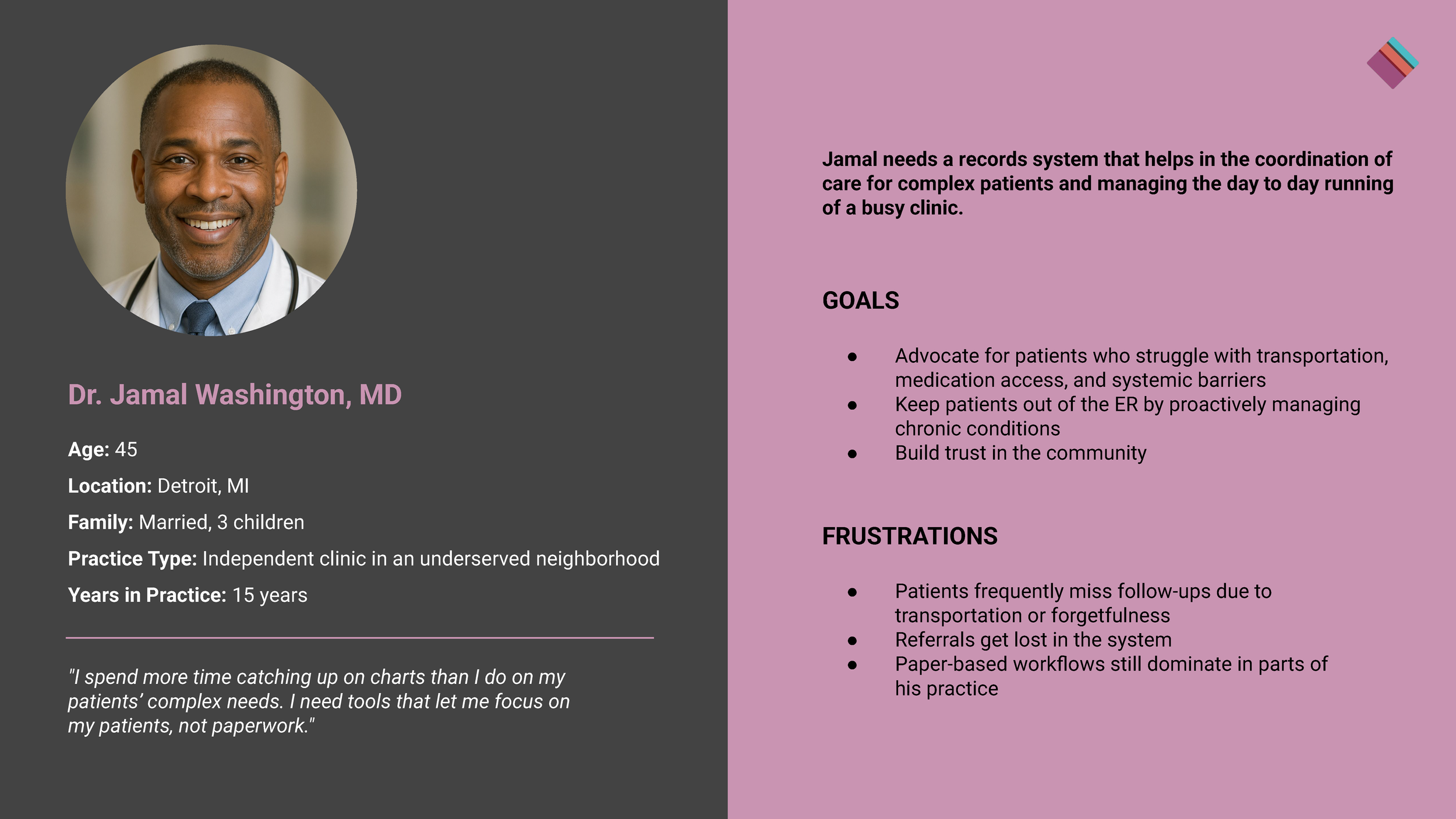
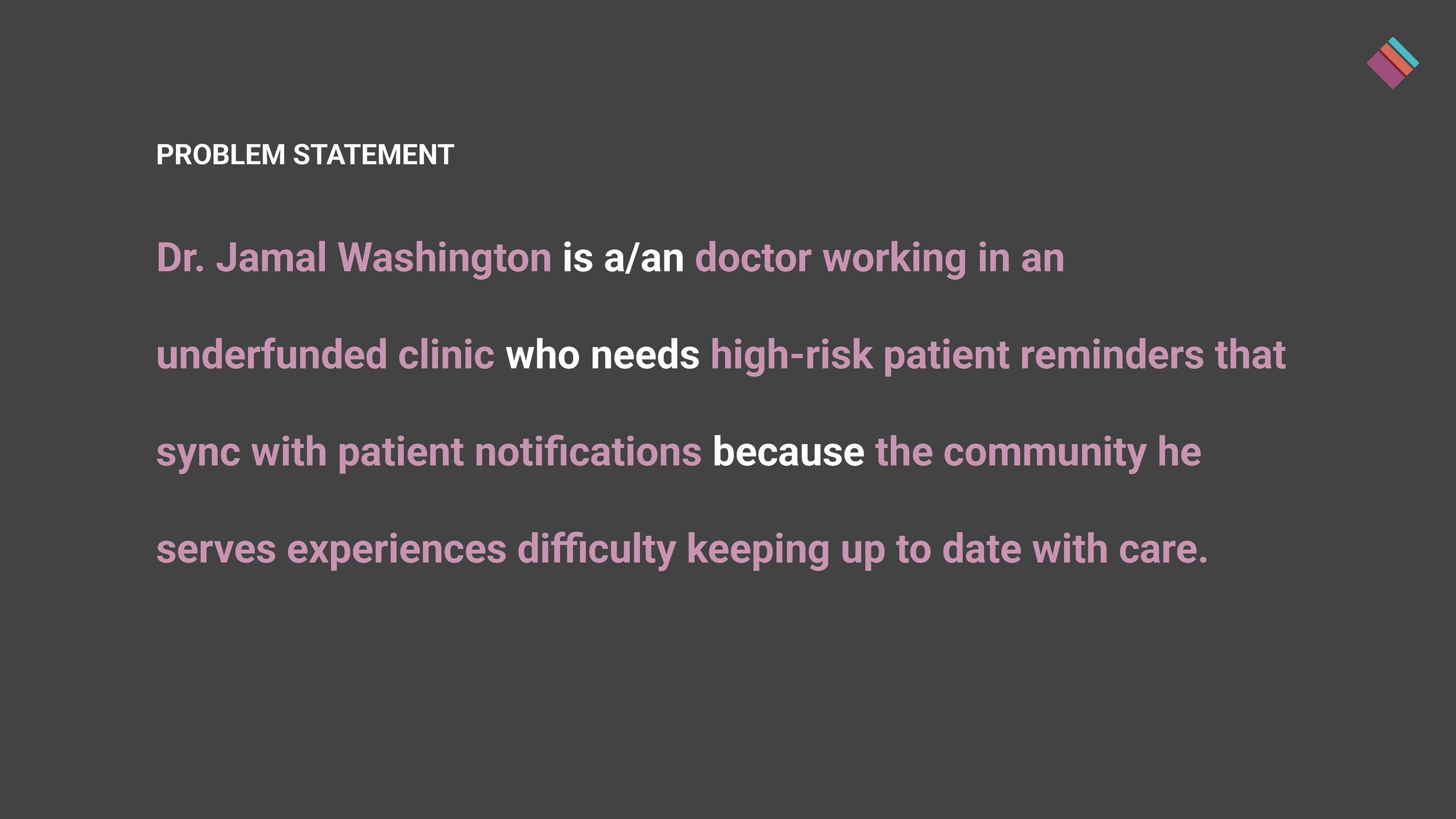
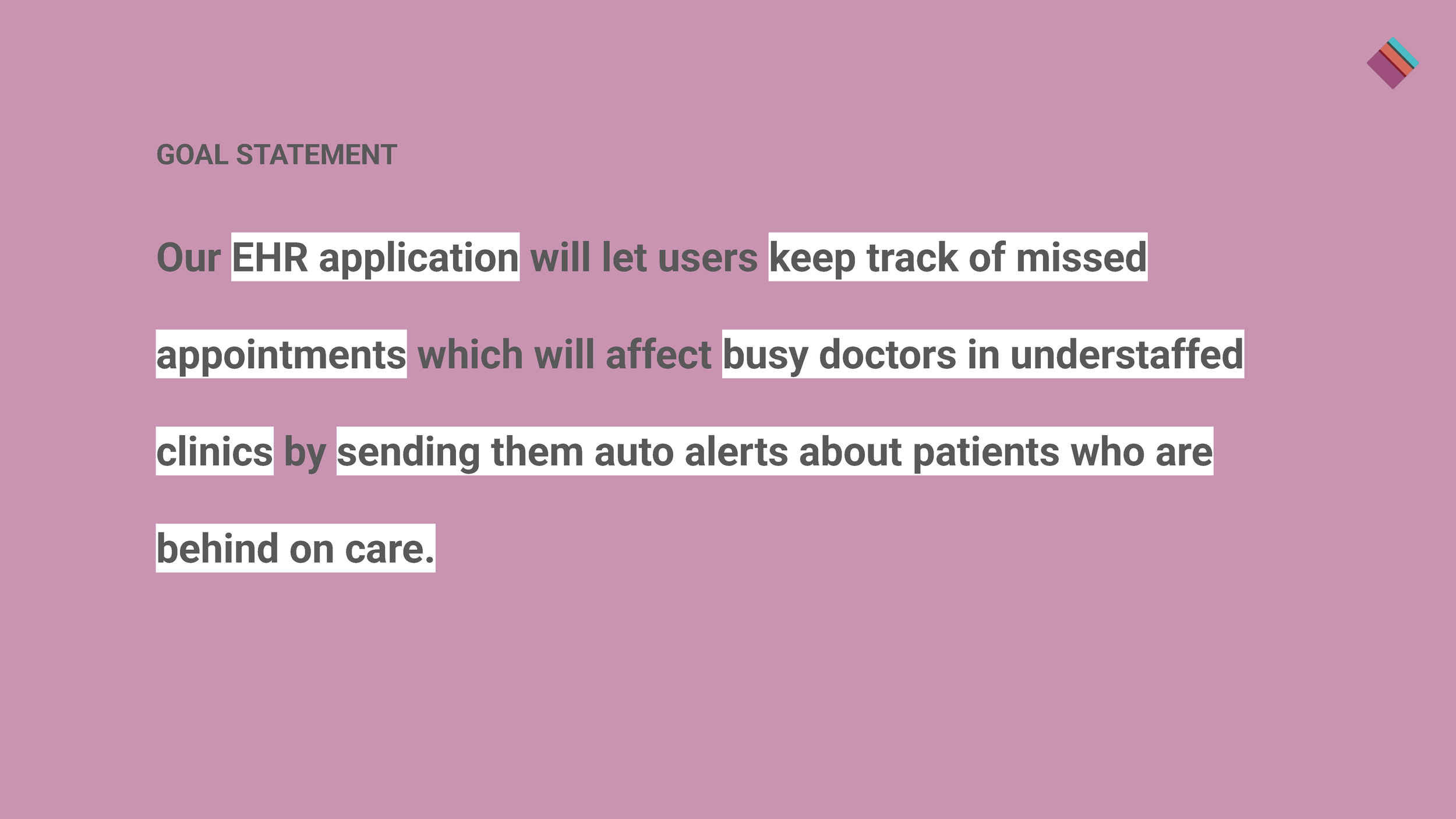
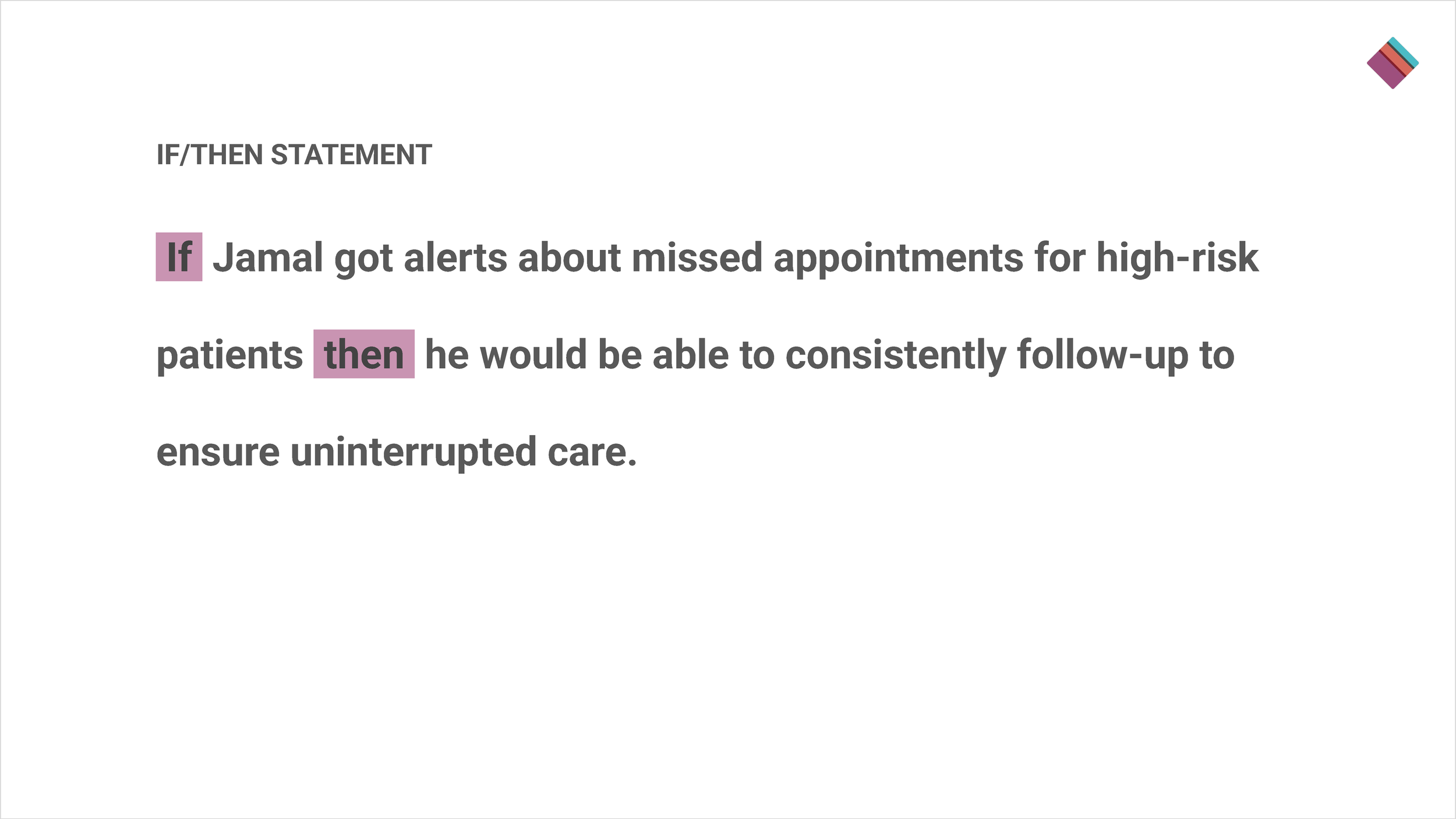
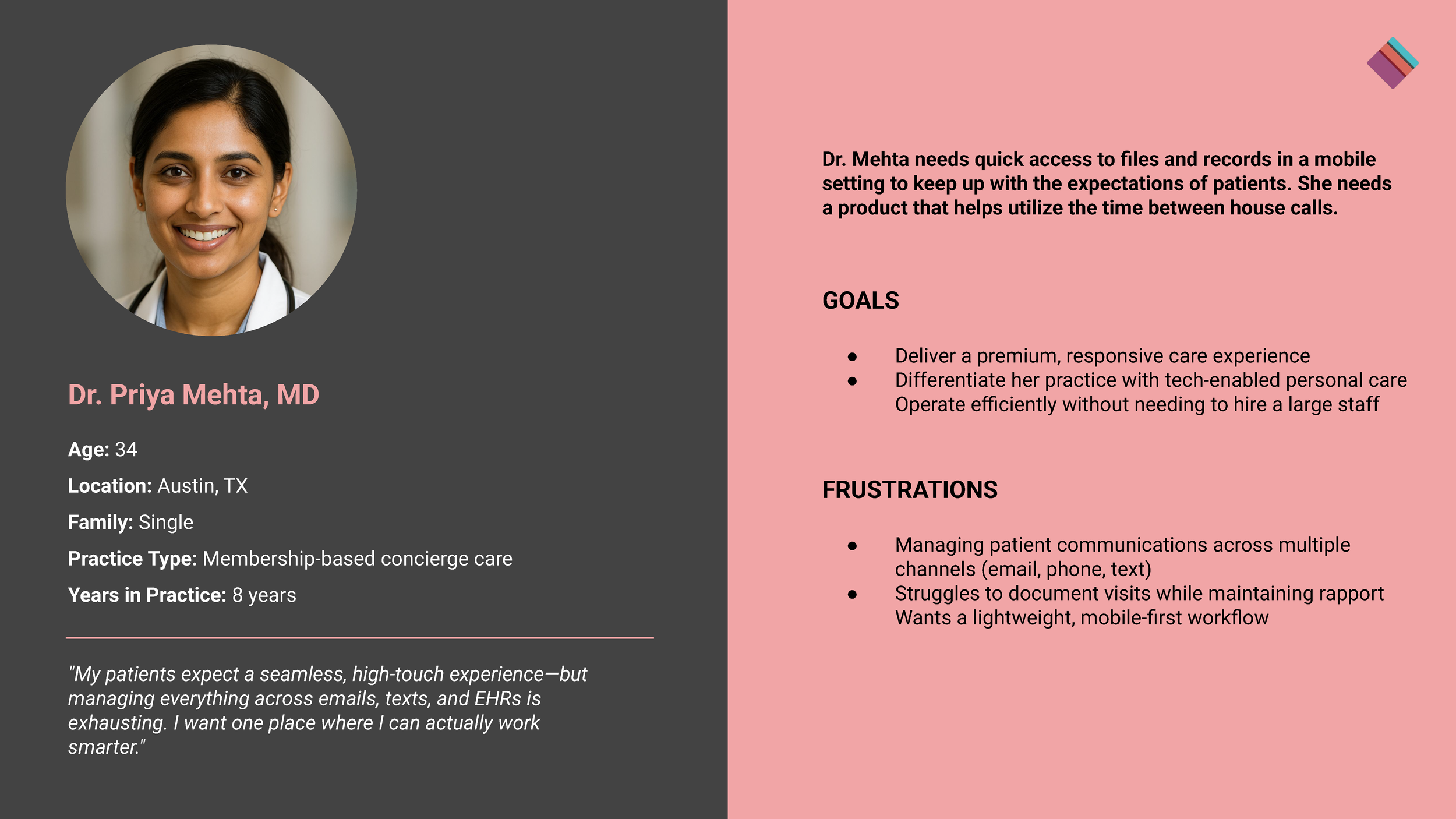
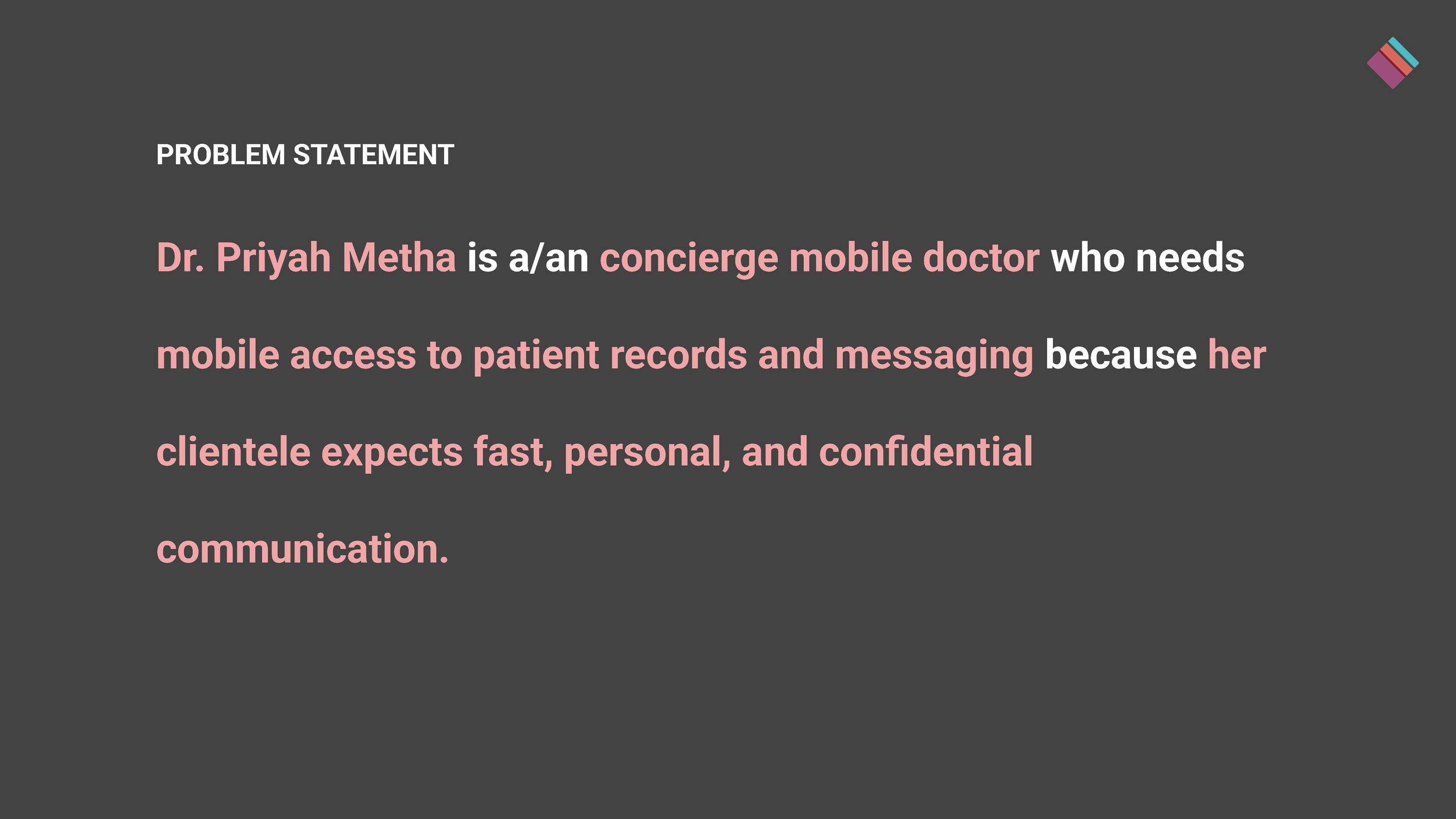
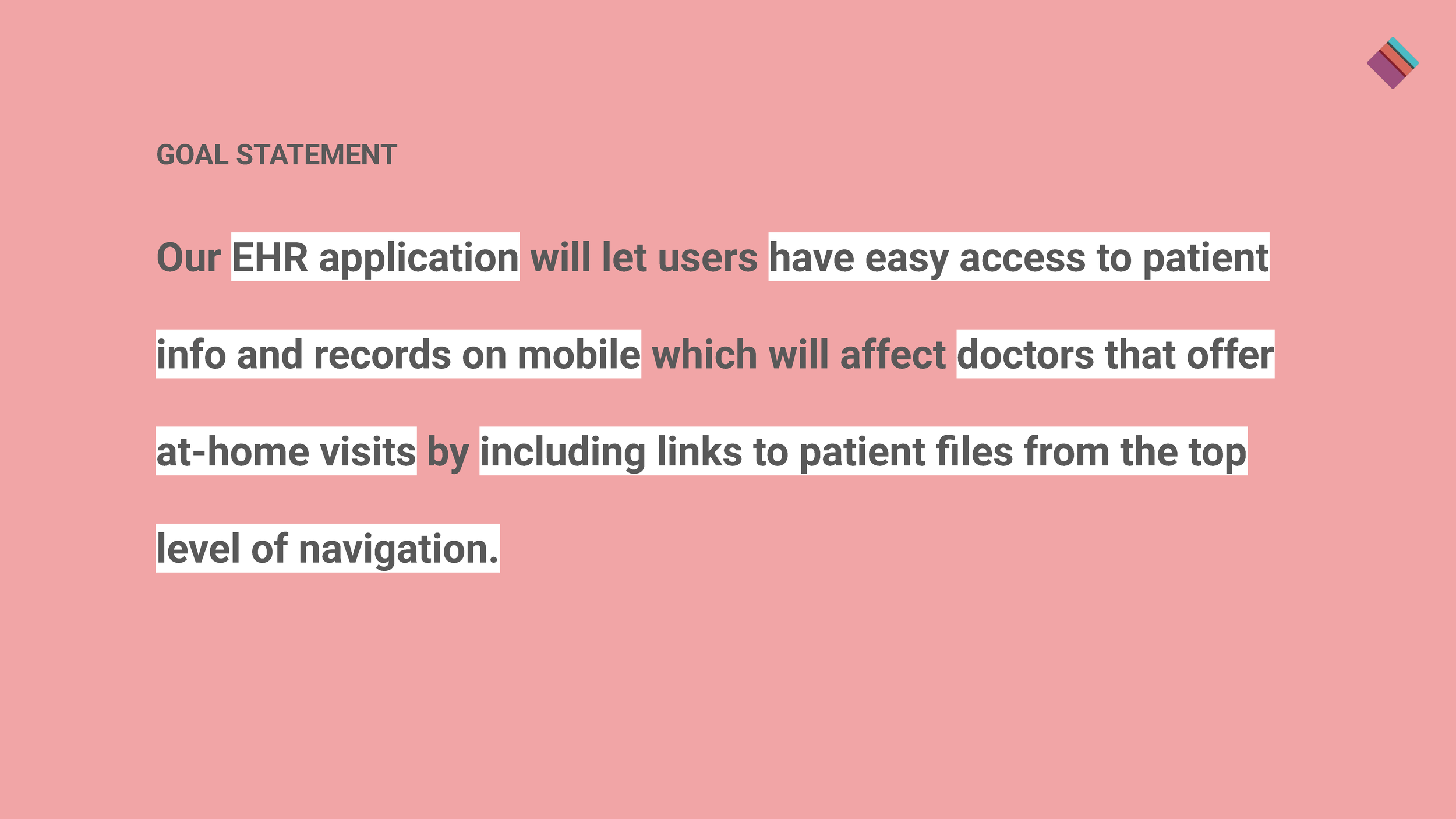
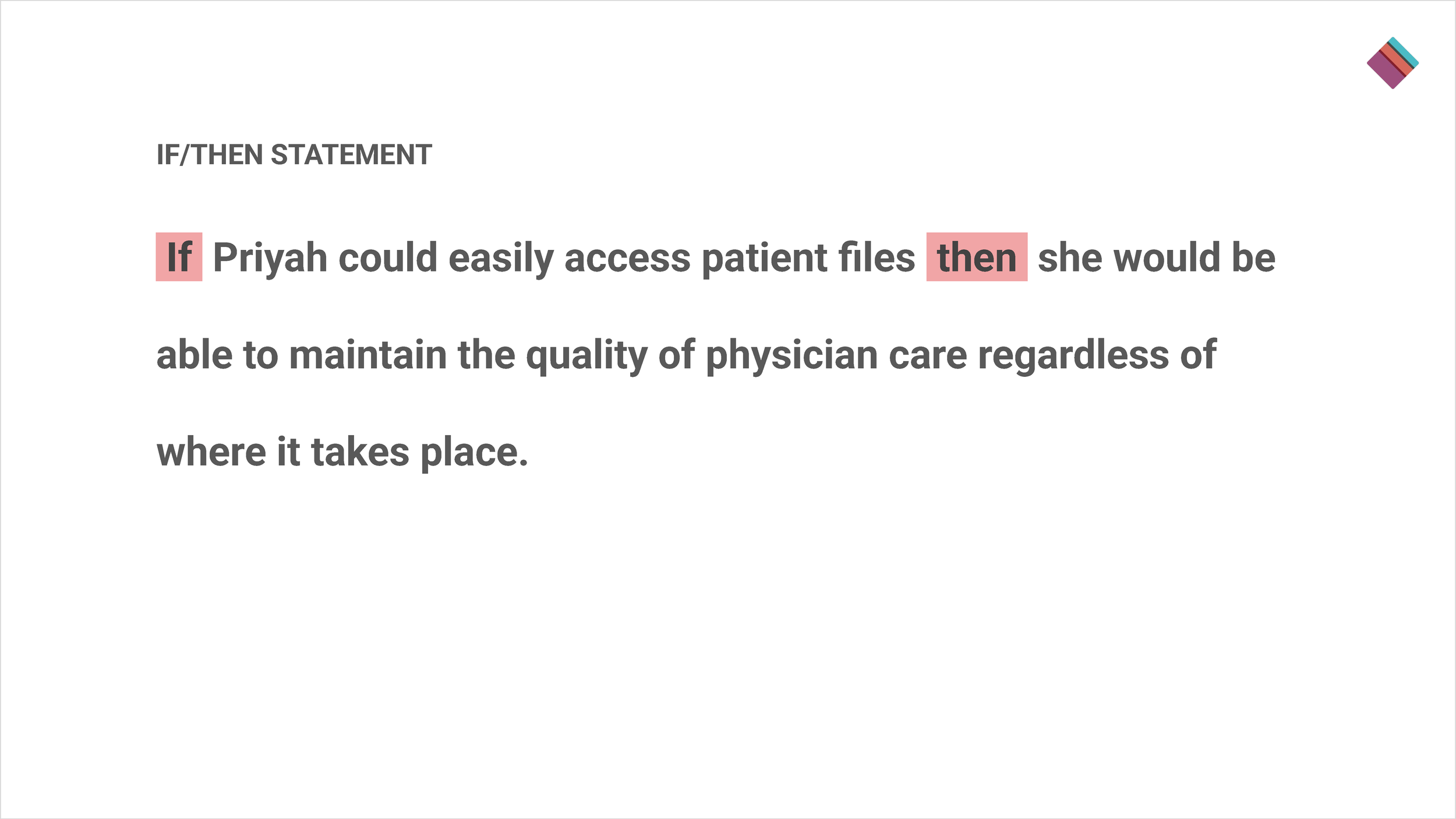
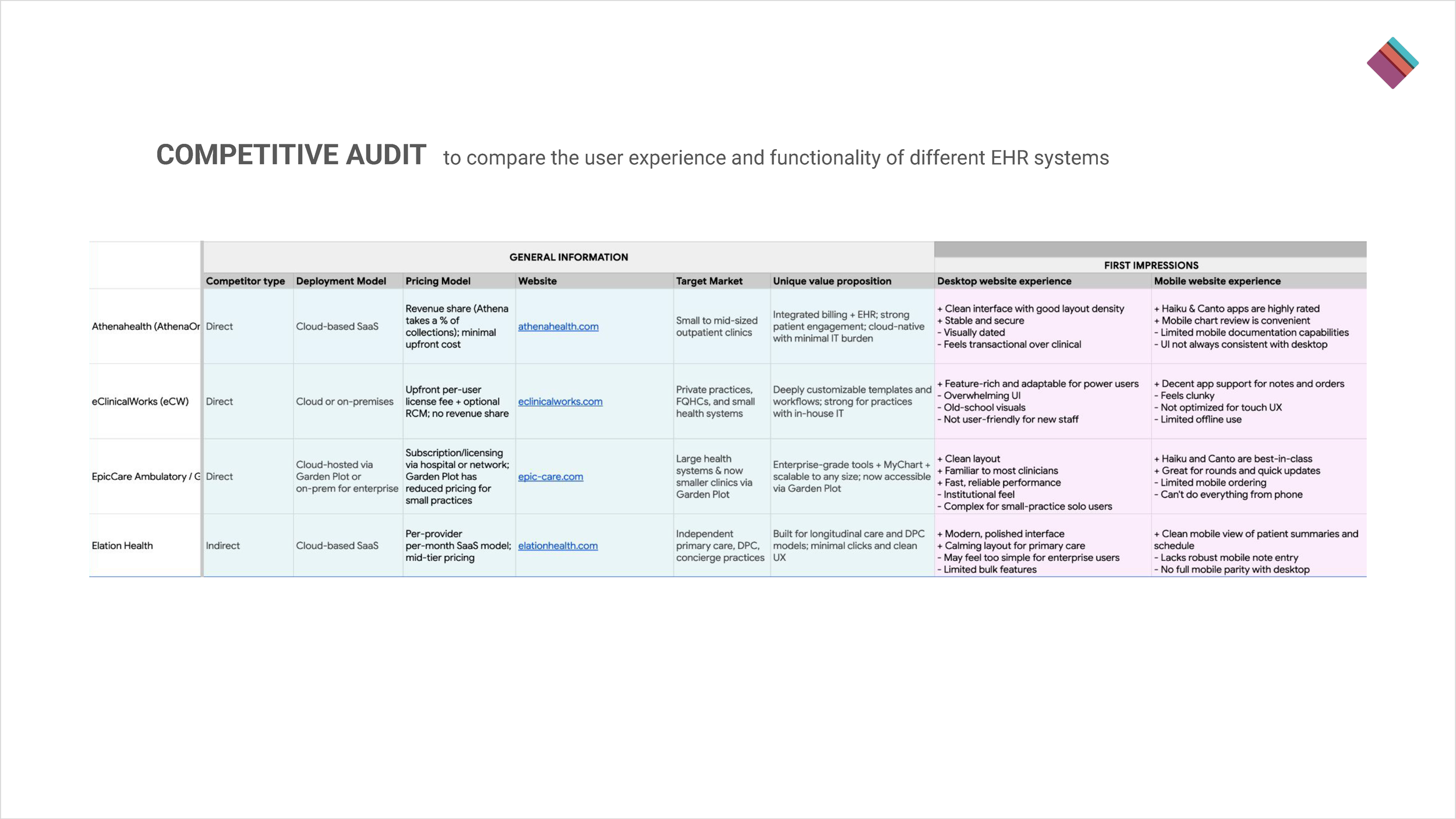
As I began the research process, I realized that gaining primary user research would be difficult due to the specificity of the intended user. To overcome this obstacle, I utilized secondary research sources, primarily AI. This research provided insights into users and their pain points. From this, I was able to create user personas, problem statements, and goal statements. In conjunction with a competitive audit, these findings helped to pinpoint the gaps in the EHR user experience.
UX/UI Design
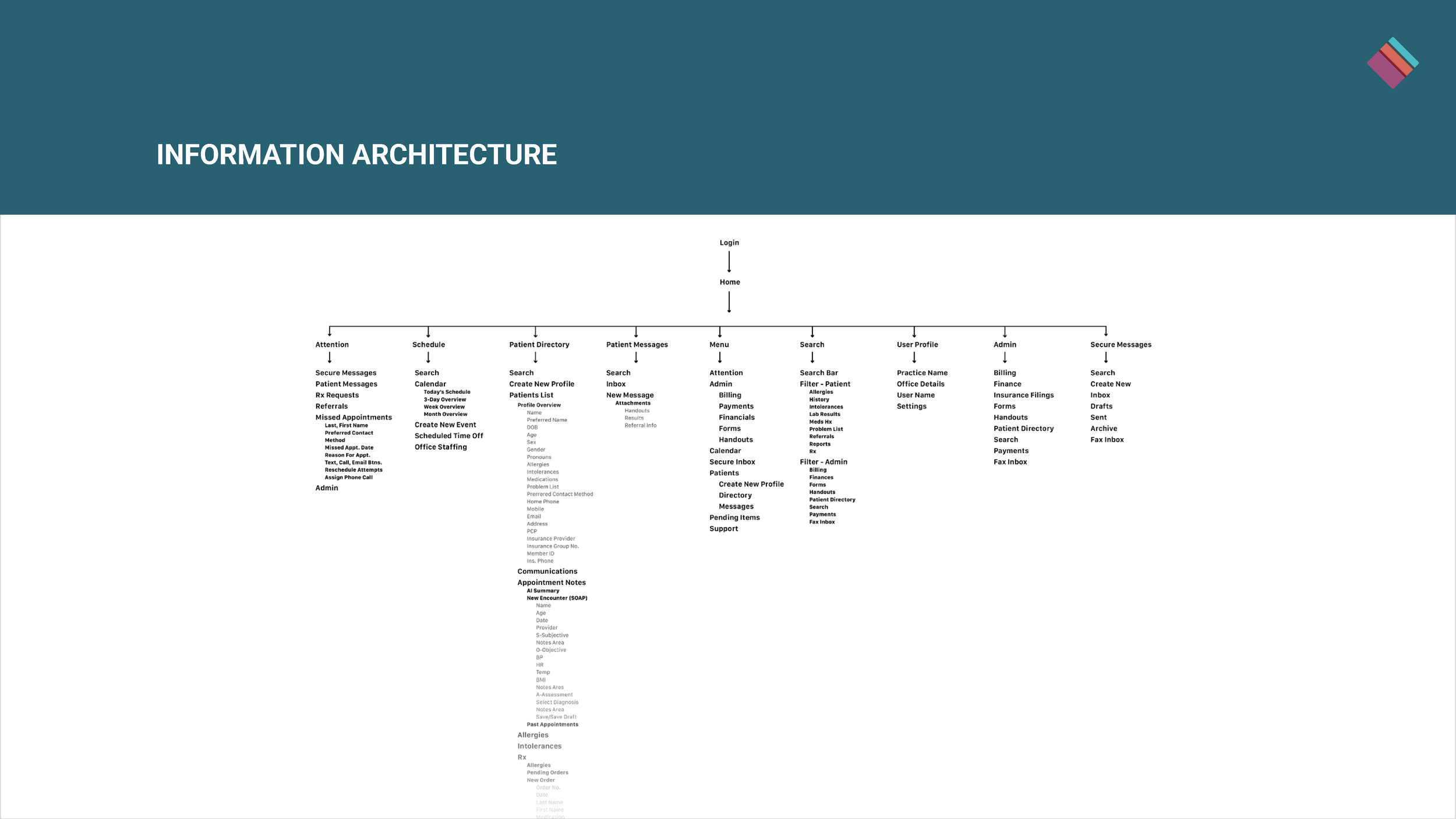
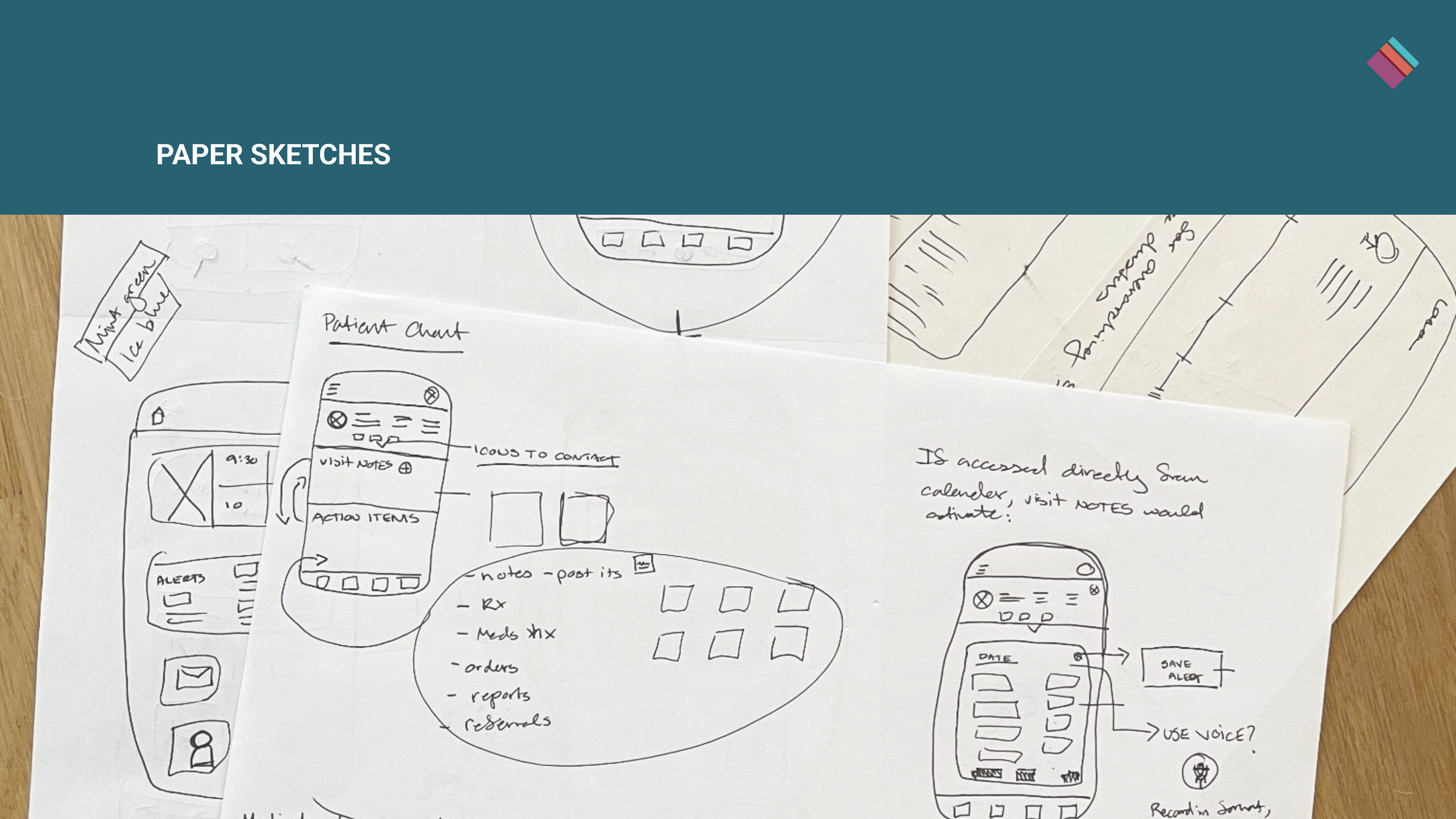
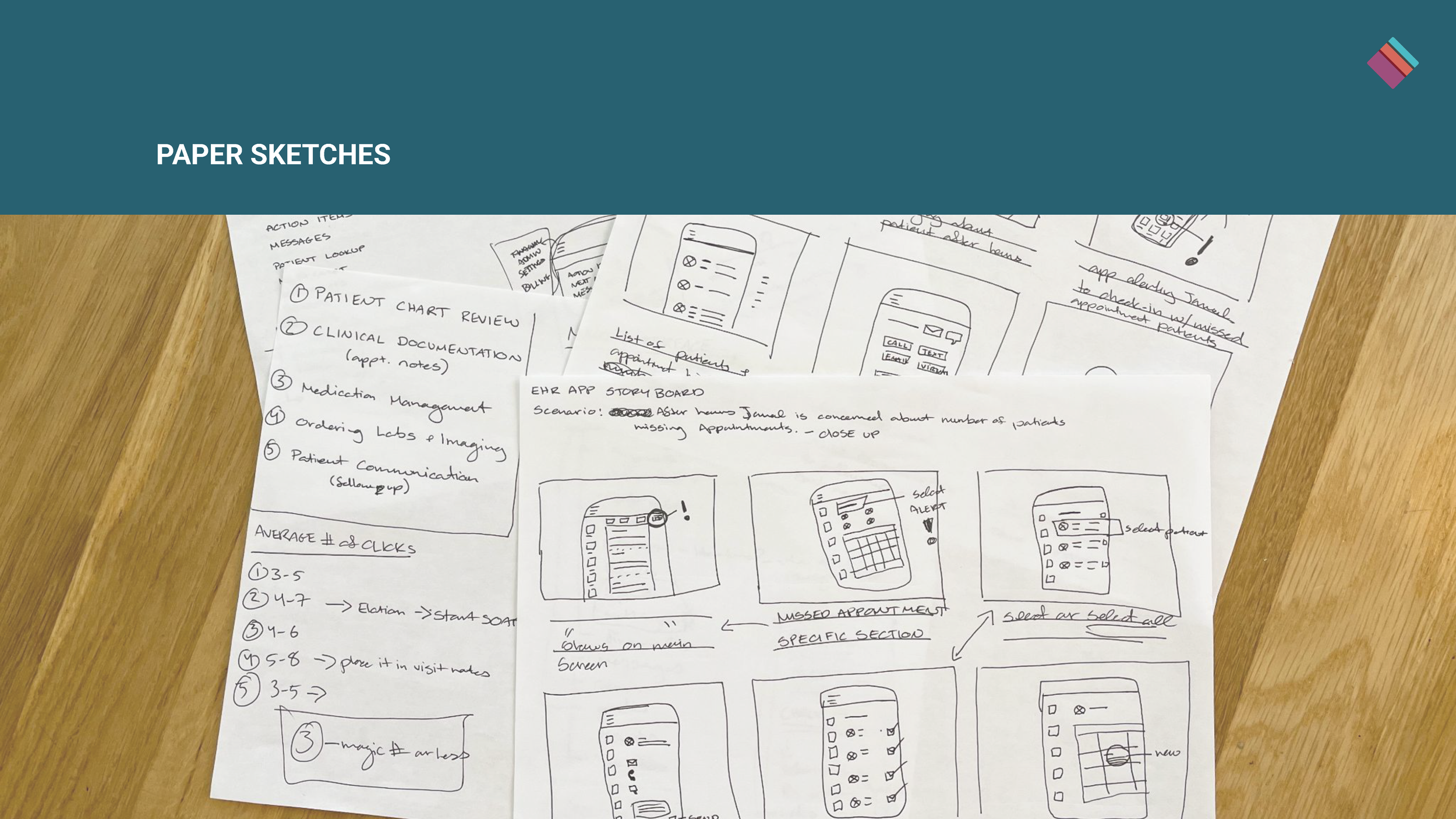
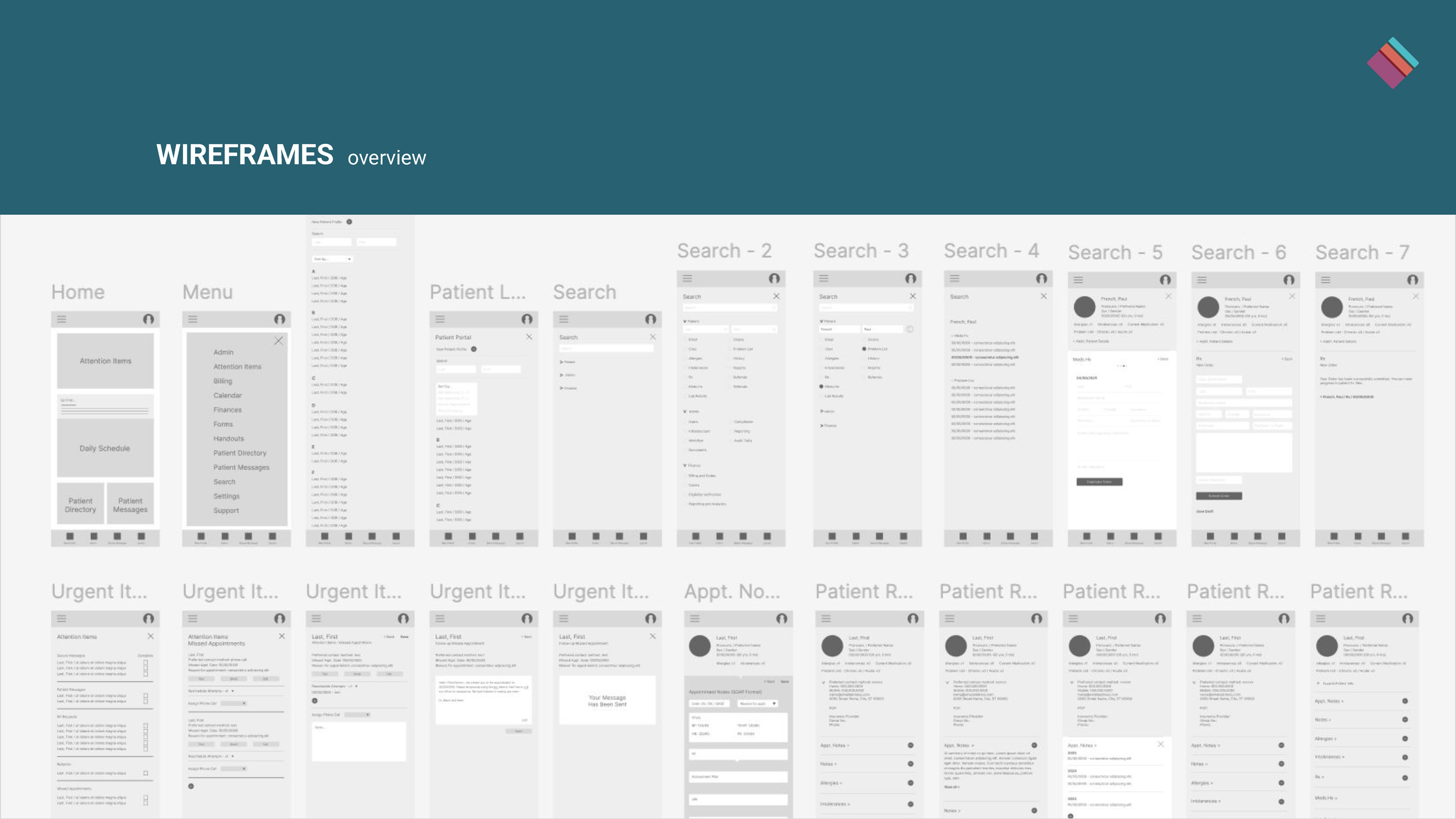
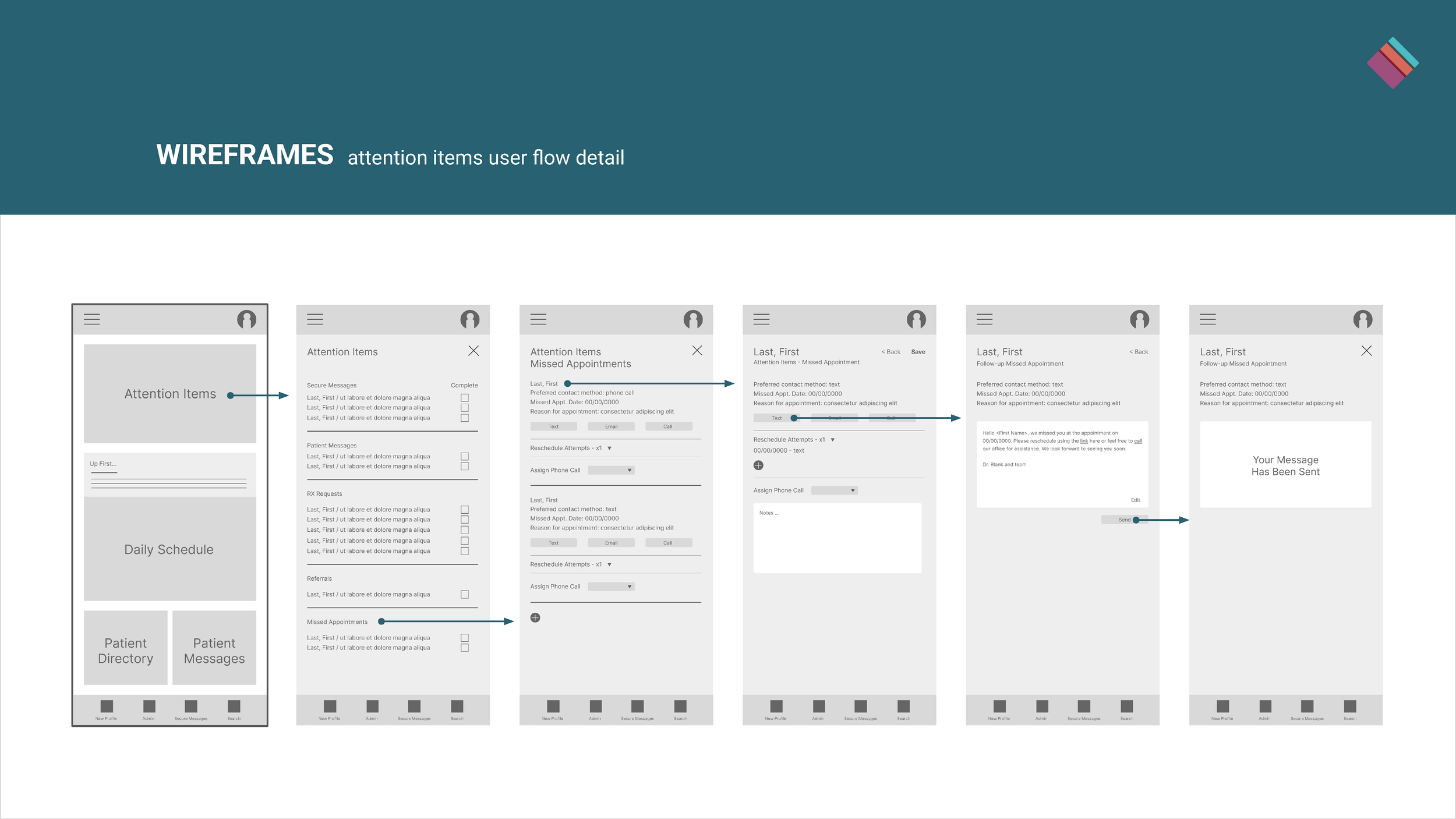
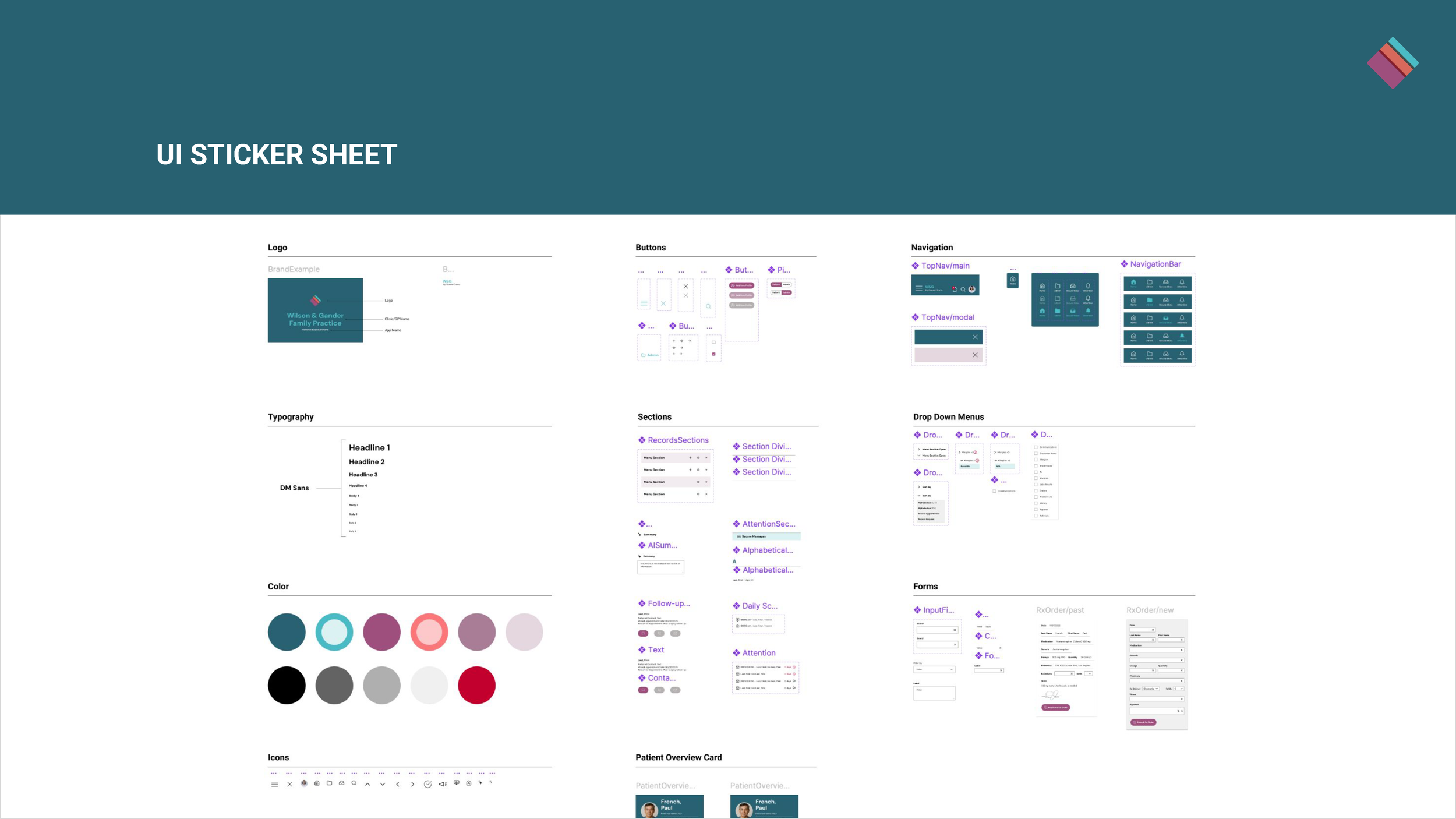
With key functions informed by user research, I started the design process with information architecture and key user flows. I then moved through paper sketches, digital wireframes, and lo-fi prototyping before moving on to mockups and hi-fidelity prototypes.
Solution
The research informed the final design and overall user experience so that common user flows are accessible from the home screen. These include attention items for overdue requests or communications, upcoming appointment patient notes, the patient directory, and a detailed search, among others. By minimizing the number of clicks necessary to complete a task, optimizing accuracy, and integrating AI summaries to work with assistive technologies, this app would increase user sentiment.
Encounter Notes
Missed Appointments
Search
Patient Directory